
Unified Inbox — Every Email Linked to the Right Customer
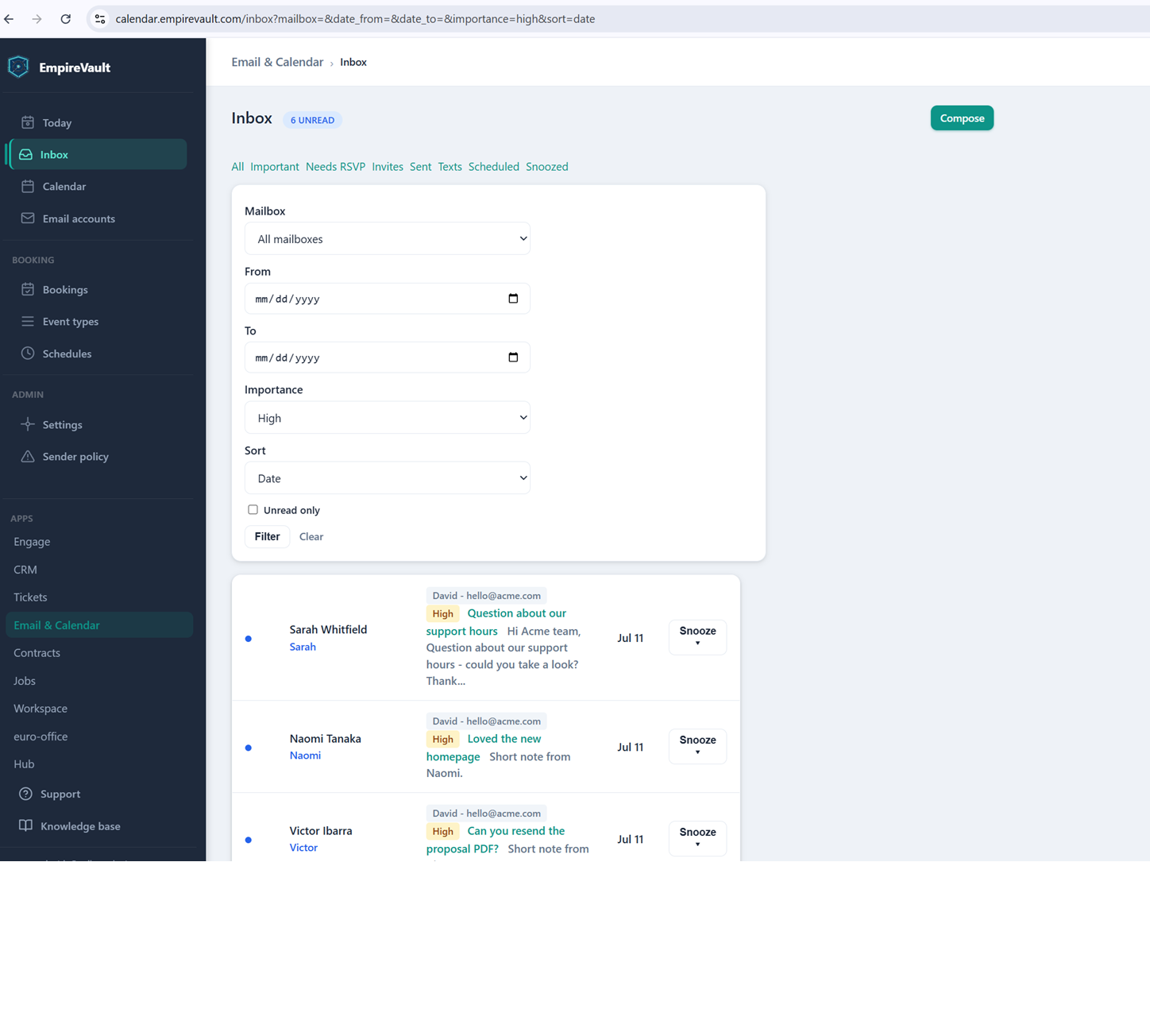
Most mail clients show you a message and nothing else. EmpireVault shows the same message with the sender’s contact and company already attached, so you know who is asking and what account they belong to before you open it. Each person sees their own connected mailboxes; admins manage settings, never messages.
EmpireVault’s demo inbox holds 15 seeded messages here, threaded and readable with formatting intact — not stripped down to plain text. Each thread carries the sender’s name pulled straight from the connected contact and company record, so there’s no separate lookup to figure out who’s asking or what account they belong to. A “Today” view sits alongside it, pulling in recent mail, pending meeting invitations, and the next seven days on the calendar in one dashboard.
Replies and new messages get composed right inside EmpireVault, but they go out through the sender’s own connected mailbox — recipients see a real person’s address, not a shared alias. A message from someone not yet in the CRM gets an “Add to CRM” shortcut that creates the contact on the spot, and meeting invitations arrive with accept, tentative, and decline buttons built into the message itself.
The practical effect is that you can open a thread and immediately know who they’re talking to and what’s been said already, instead of asking a coworker for context or digging through a separate mail client. The inbox is a starting point for the conversation, not a wall between it and the rest of the customer’s record.
See It with Your Own Data
Every screen shown here ships in one subscription. Try the whole platform free for 21 days.